Is it connected?
A visible status and recent event times help distinguish a quiet strategy from a connection that needs investigation.

Monitoring Dashboard
Review connection status, order events and exceptions from a dashboard built for supervision.
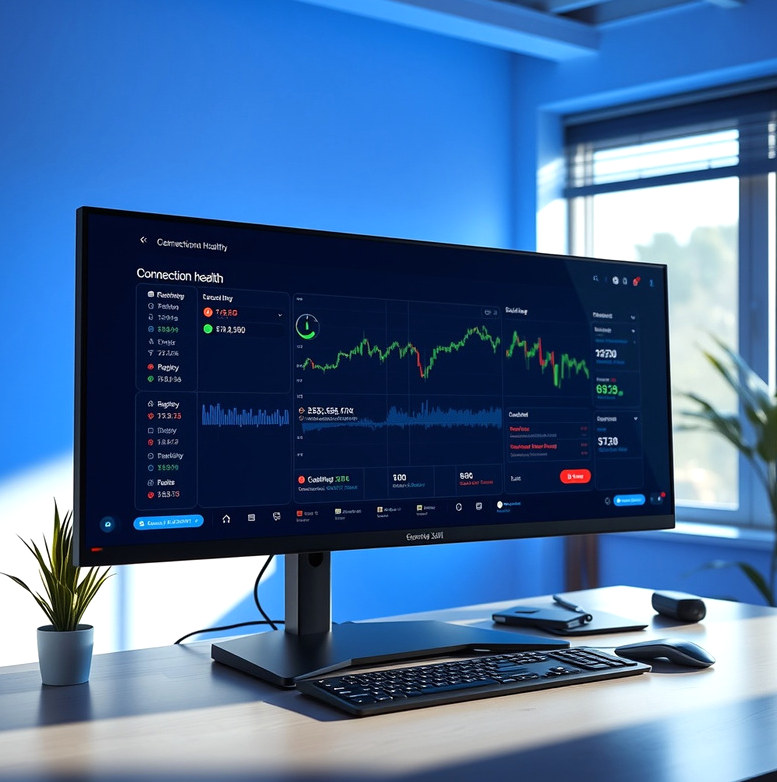
We configure a dashboard around the signals a client needs to supervise an automated workflow: connection state, recent instructions, broker responses and selected alerts. The method starts with an event list and data-access review, followed by dashboard configuration and alert testing. A typical scoped build takes several weeks, depending on available integrations. At handover, the client receives a dashboard guide, alert definitions and a procedure for investigating exceptions. Monitoring helps people notice events; it does not replace account oversight.
A condition produced by the strategy rules that may lead to an instruction after other checks are applied.
An instruction sent toward the broker; it is not proof that an order was accepted or filled.
Information returned by the broker interface about an instruction's status or an error.
An event that needs attention, such as a rejected instruction, missing data or a lost connection.
A notification triggered by a defined event; its usefulness depends on delivery and a person being available to review it.
A visible status and recent event times help distinguish a quiet strategy from a connection that needs investigation.
Order-event records let the account owner compare software instructions with the activity shown by the broker.
Defined exceptions draw attention to rejected requests or missing information without suggesting that every issue resolves itself.
A dashboard can only display events that connected systems provide, and notifications can be delayed or missed. It should therefore be treated as an aid to supervision, not a substitute for checking the broker account. Before handover, we agree which events warrant attention and explain where the dashboard's information may lag. The client decides who reviews alerts, how quickly they can respond and when to pause automated execution while an event is investigated.
Tell us which events you currently check by hand and what your broker makes available.
Discuss monitoring