Order thresholds
Configured limits can prevent an instruction that exceeds a stated software threshold from being submitted.

Risk Controls
Define operational boundaries and interruption steps before automated instructions reach a broker.
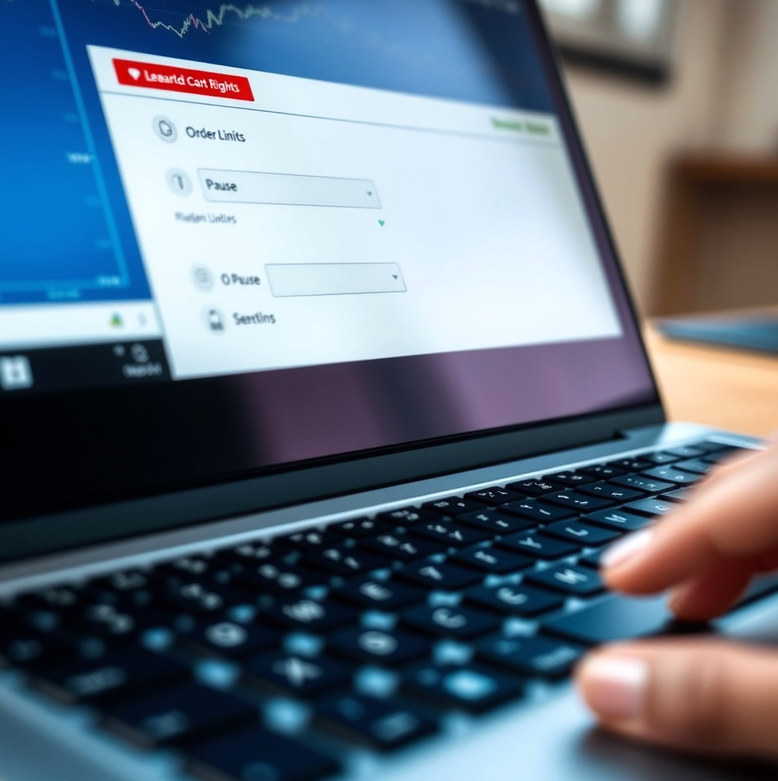
We configure agreed checks around order size, permitted trading periods, repeated signals and selected connection errors. Work begins with a review of the client's intended boundaries, then configuration and test cases for normal and exceptional events. A typical implementation takes several weeks when the strategy and broker interface are known. The handover includes a control register, test observations and a pause procedure. These controls limit specified software actions; they cannot prevent every loss or market event.
Decide the largest instruction the software may send and document whether that limit applies per order, instrument or session.
Identify who can disable execution and how that person will confirm the broker's account status after a pause.
Specify what should happen after a rejected order or unavailable connection instead of allowing an undefined retry pattern.
Treat a revised strategy, broker setting or control threshold as a configuration change that needs another documented check.
Configured limits can prevent an instruction that exceeds a stated software threshold from being submitted.
Records show when a check blocked or interrupted an instruction, with enough context for a person to investigate.
A documented stopping procedure helps the account owner respond when the observed behaviour differs from the plan.
A configured limit applies to the instruction the software sees and to the conditions it can measure. It does not control market prices, every broker-side event or positions opened outside the tool. Some broker interfaces also restrict which account information is available in real time. We explain those limits during scoping and record any control that cannot be implemented as requested. Clients must continue to inspect their broker account and decide whether automated trading remains appropriate.
We can review proposed controls against the strategy and broker interface you intend to use.
Discuss risk controls